
Optimizing Data Processing Through Automation
Professional review of your workflows and methods. Advanced Excel-based processing tools to streamline report generation and increase productivity.
The Challenge
Manual data processing
Time-consuming manual processing leads to human errors.
Slow reporting
Delayed project delivery due to unnecessary workloads.
Training time
High learning curve for new staff to master complex legacy tools.
Inconsistent software
Unstandardized data processing software complicates day to day operations.
Our Consulting & Review Process
We don’t just provide software; we provide expertise. Our team analyzes your existing processing methods to propose data-driven improvements and automations that fit your existing infrastructure.
Workflow Analysis
Comprehensive deep dive into your current data processing chain.
Gap Identification
Pinpointing exact bottlenecks with room for improvement.
Optimization Strategy
A tailored roadmap for your firm's digital data transition.

Our Processing Tools
Powerfully simple tools that exceed expectations.
Ready-to-use Templates
Excel based automations that work out of the box with your existing infrastructure.
- Extensive Processing Suite
- Fully Integratable Solutions
- Transperant calculations
Custom Software Solutions
Bespoke Excel / Python development tailored to your specific requirements and reporting formats.
- Custom coding solutions
- User Friendly Interface
- Clean and Functional Design
What You Receive
Structured Excel Templates
Clean, user friendly files ready for deployment.
Automated Calculations
Complex geotechnical formulas built-in and validated.
Simplified Data Entry
Logical input flows designed for efficiency.
Faster Report Generation
Automated data generation for instant reports.
How It Works
Get in Contact
Contact us to schedule a meeting and discuss your current methods.
Optimization Proposal
Receive our detailed proposal including tool selection and automation plans.
Implementation
Our team conducts integration of new tools and methods, training of staff, and extended support, ensuring a smooth transition.
Frequently Asked Questions
How long does the review take?
Typical workflow reviews take between 3 to 7 business days, depending on the complexity of your current data pipelines and the number of testing methods undertaken.
Can you customize existing spreadsheets?
Yes, we specialize in taking legacy spreadsheets and modernizing them with automated calculation engines, data validation, and clean UI/UX designs while maintaining your original formats.
Is technical support included?
Every consulting engagement includes 30 days of post-implementation support to ensure your team is comfortable with the new tools and any minor bugs are addressed immediately.
See Our Methods in Action
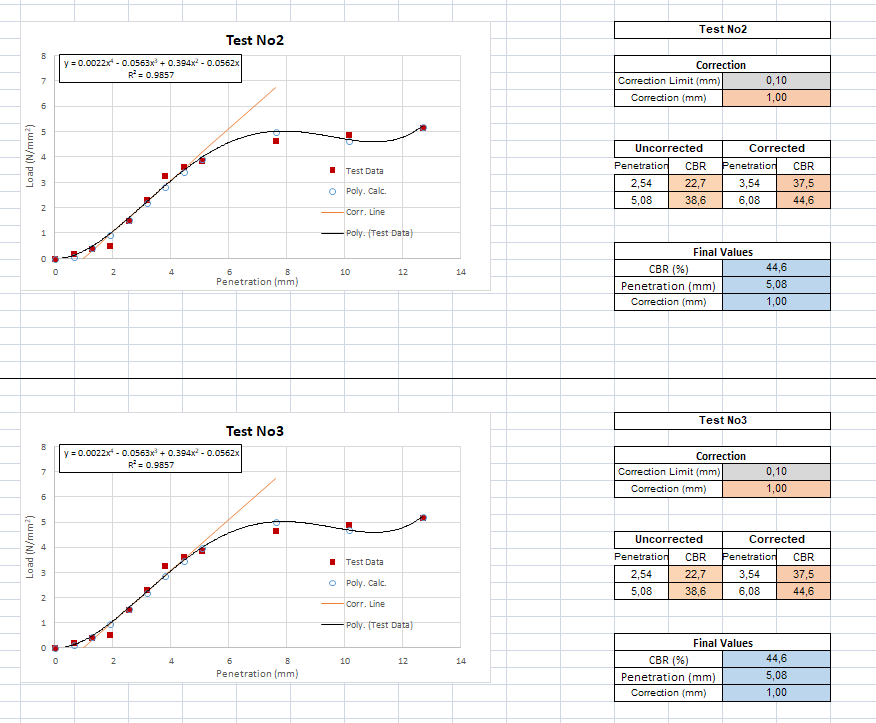
Download Our Free Tool and Demonstration